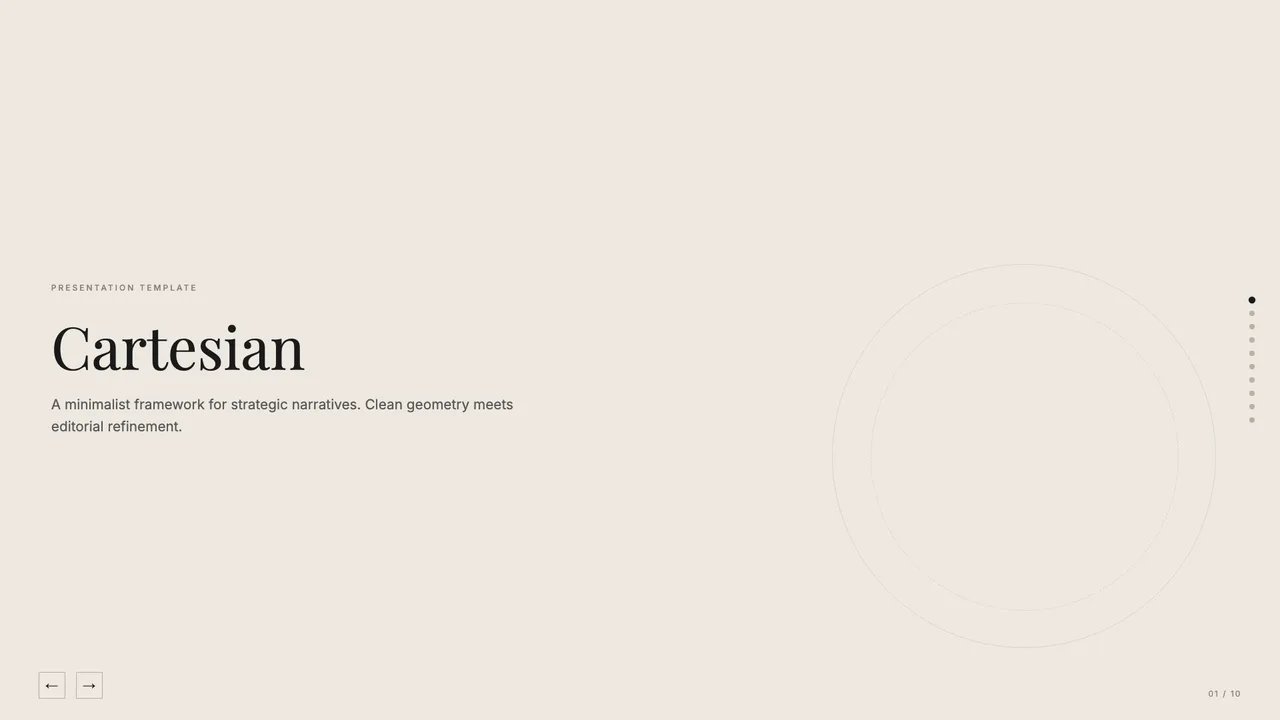
Cartesian
Quiet warm-neutral palette with classical Playfair serifs; tasteful and unhurried.
Migrating legacy slide presentations from proprietary PowerPoint binary packages (.pptx) into modern web formats is a structural translation, not a pixel-copying exercise. This site does not host conversion endpoints or handle remote file uploads. Instead, the conversion workflow runs directly on your machine through the frontend-slides agent skill, relying on the open-source python-pptx library to inspect and parse the local file.
Executing the transformation locally ensures full data privacy. Proprietary financial models, confidential advisory deliverables, and sensitive executive notes remain on your personal disk. Your coding agent reads the package XML, extracts the semantic content layer by layer, and writes a self-contained, single-file HTML document without sending any data across an external network.
PowerPoint files structure slide contents as distinct XML drawing objects. A local parser targeting python-pptx can access fundamental content layers reliably, extracting the structural payload into clean data dictionaries before generating markup.
When processing standard slide layouts, the following components extract cleanly:
A .pptx file contains numerous presentation engine dependencies that have no direct equivalents in standardized web specifications. Attempting to replicate Microsoft Office runtime features in a browser creates bloated, brittle code that breaks across screen sizes.
The following elements do not survive direct extraction and must be re-engineered or omitted:
Because layout coordinates in PowerPoint depend on fixed aspect ratios measured in English Metric Units, literal coordinate mapping produces fragile web pages. The skill discards fixed coordinate geometry and maps extracted content into semantic CSS containers.
This reconstruction step applies an intentional typographic scale and curated palette to the raw extracted data. For example, selecting the Cartesian template applies an unhurried, formal style with Playfair Display headings, Inter body text, and a warm-neutral palette featuring #EDE8E0 backgrounds and #1A1A1A body ink. If you require a more technical or corporate delivery, applying the Blue Professional template equips your extracted copy with Space Grotesk headers and an electric cobalt #1E2BFA accent against a #FDFAE7 ground. For detailed step-by-step instructions on setting up your environment, see the general workflow guide.
Once your local agent writes the standalone HTML deck, review the rendered document locally in any modern browser. Verify that dense text frames fit within viewport bounds without clipping on smaller displays, and confirm that high-resolution photographic assets retain proper aspect ratios.
Check that extracted tabular figures align correctly and verify that speaker notes remain tucked within presenter view. Because the output is a single portable HTML file, you can audit the source code, inspect embedded SVG icons, or review licensing terms under open source licenses before distributing the file to stakeholders.
Quiet warm-neutral palette with classical Playfair serifs; tasteful and unhurried.
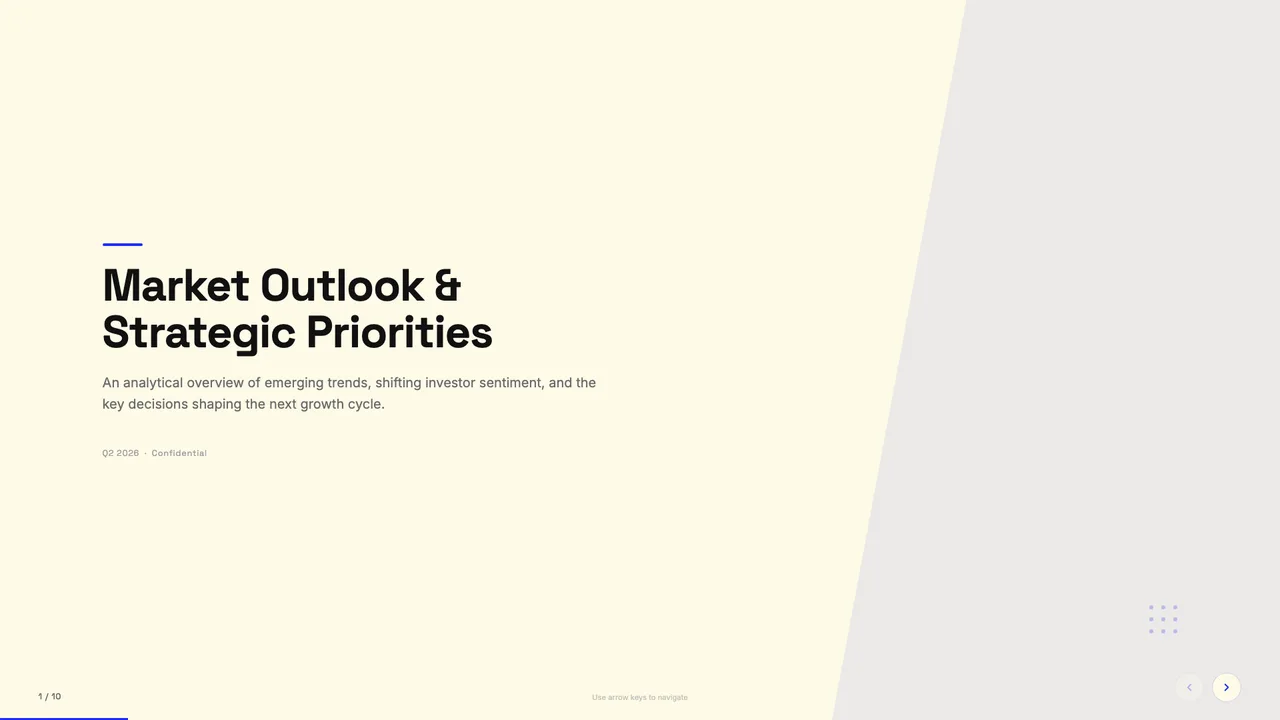
Cream paper background with electric cobalt blue accents; clean modern professional.
No. Slides Style Gallery is a static display catalog of single-file HTML designs and does not provide an online conversion service. All extraction, parsing, and HTML generation take place locally on your computer inside your coding agent.
Embedded PowerPoint charts rely on linked Excel binary objects that cannot be rendered natively as responsive HTML. The local extraction process pulls the underlying data tables or image snapshots, which are then re-rendered as semantic HTML tables or crisp static diagrams.