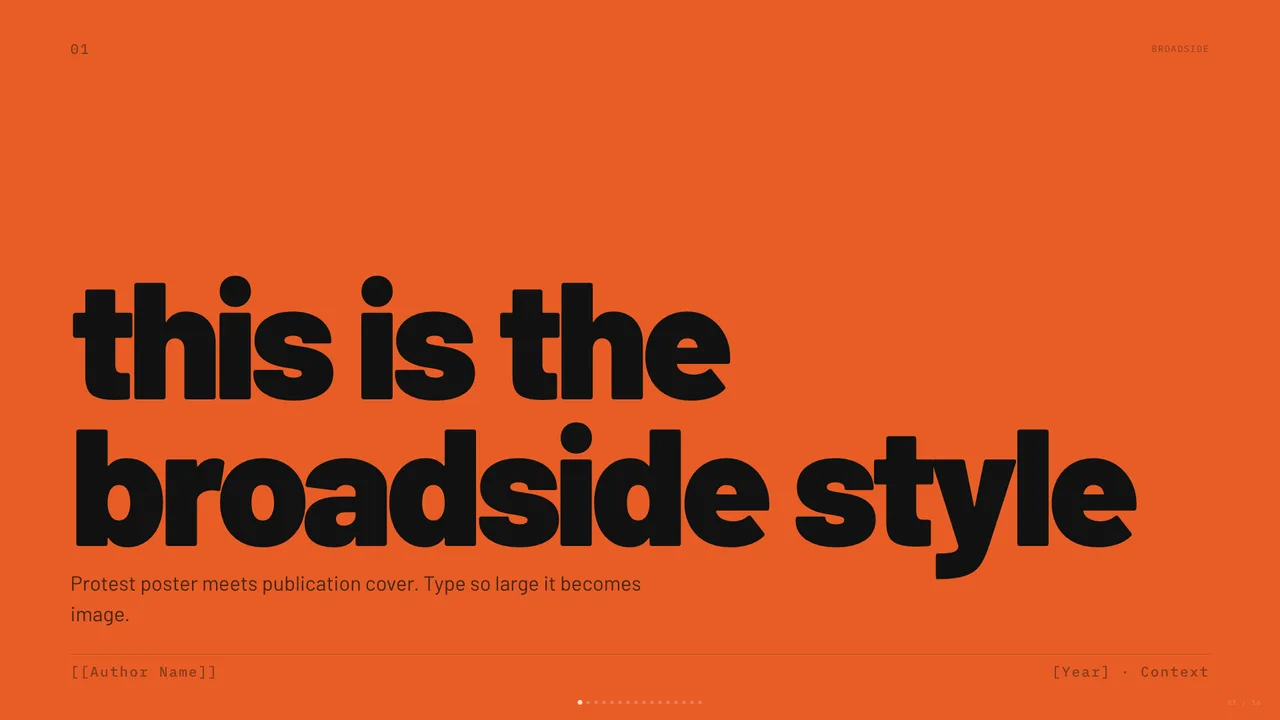
Broadside
Dark editorial canvas with a single fire orange accent and bilingual Latin/Chinese type stack.
Traditional presentation tools package slide data into proprietary binary archives or lock them inside subscription web services. A single-file HTML presentation replaces those layers with standard web technologies: semantic markup, scoped CSS rules, and a lightweight JavaScript navigation script packed into one document.
Because every asset—from layout containers to keyboard navigation listeners—lives in a single file, the deck runs directly in any modern browser without a build step or server runtime. The file opens offline, renders consistently across operating systems, and preserves exact visual geometry. Browsing the designs in our template collection helps you evaluate structural choices before writing content.
Before generating slides, select a visual foundation suited to your presentation context. Slide decks require clear constraints: a fixed aspect ratio (typically 16:9), strict typographic hierarchy, and a restricted palette that avoids decorative clutter.
If you are presenting a brand manifesto, culture pitch, or design talk, an editorial direction like Broadside establishes immediate contrast. Broadside pairs a #111111 dark canvas and #1a1a18 alternate background with #f0ece5 cream text, using Barlow for display and IBM Plex Mono for technical annotations. For formal board presentations or advisory deliverables, a high-formality alternative like Signal shifts to a #1c2644 deep navy canvas with #c8a870 muted-gold highlights and Source Serif 4 display headings. When building creative reviews or product launches, a design like BlockFrame uses bold borders, Space Grotesk type, and pastel accents like #FE90E8 pink and #C0F7FE blue.
Slides Style Gallery operates entirely as a static reference library under open licenses detailed on our licenses page. The gallery does not host generative web forms, process prompt submissions, or convert uploaded files on remote servers. All deck generation and source modifications execute locally on your machine inside your own coding agent environment.
To build a deck, download a template file or copy its typographic and structural rules into your local workspace. Provide your coding agent with an outline of your narrative, slide counts, and target aesthetic variables. Instruct the agent to populate each slide container while strictly maintaining inline layout rules, flexbox containers, and responsive scaling mechanisms.
Ensure your prompt explicitly restricts the agent from splitting code into external stylesheet links or multi-file modules. The final output must remain an autonomous single-file document.
Once your local agent outputs the file, open it in your browser and inspect the typographic rhythm. Slides fail when line lengths become unreadable or when secondary text competes with main headings.
Check that headings follow the design specifications. For example, in Broadside, titles rely on Barlow, while technical captions drop into IBM Plex Mono, and Simplified Chinese passages use Noto Sans SC. Ensure body copy stays mapped to muted palette values like #888880 to keep primary titles dominant. If contrast drops below accessibility guidelines, adjust border tokens like #282826 to restore legibility.
Presenting a single-file HTML slide deck requires nothing more than launching full-screen mode in a browser. Standard templates incorporate keyboard listeners mapped to arrow keys and spacebar advances, enabling plug-and-play compatibility with hardware presentation clickers.
If an event host or corporate portal requires conventional formats like PDF or PPTX, perform the conversion on your own machine. Modern browsers export pixel-exact PDF documents through the standard print dialog by selecting landscape orientation and enabling background graphics. For PPTX output, run a local command-line converter within your terminal environment to transform slide nodes into native office shapes, keeping proprietary presentation data fully under your local control. Review our general implementation guide for additional offline workflow considerations.
Dark editorial canvas with a single fire orange accent and bilingual Latin/Chinese type stack.
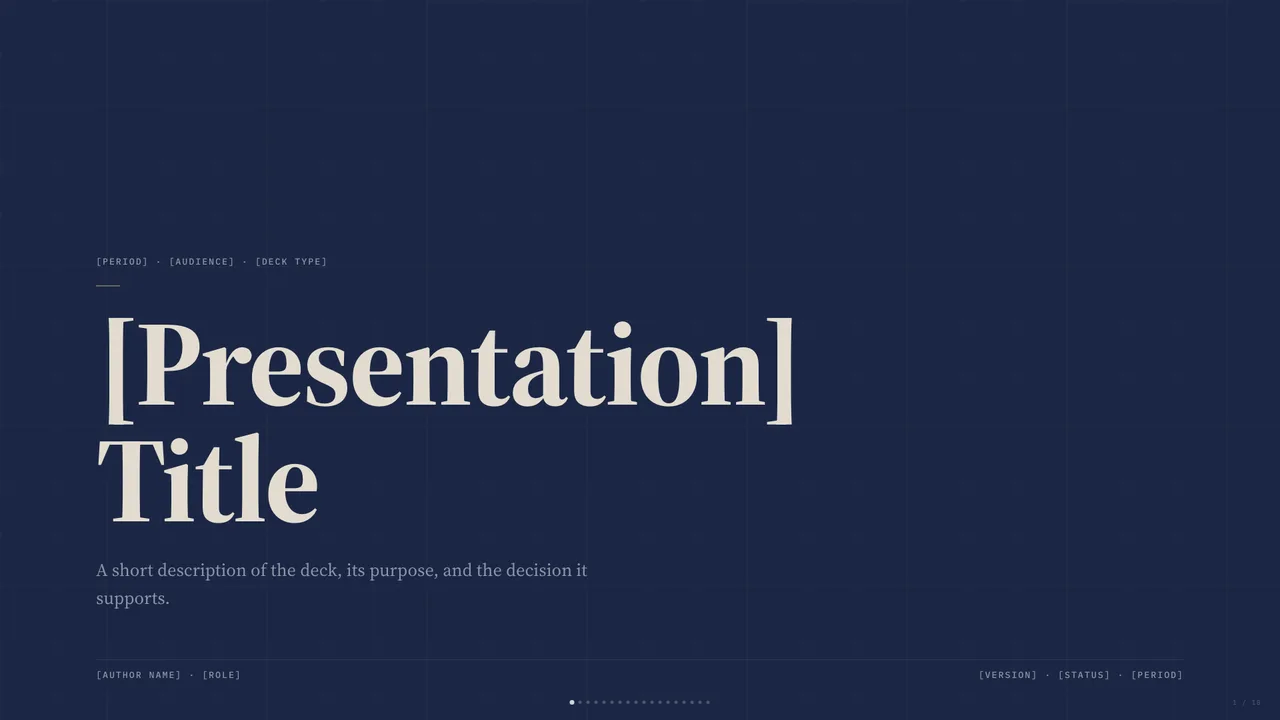
Deep navy canvas with bone paper and a single muted-gold accent; institutional with quiet weight.
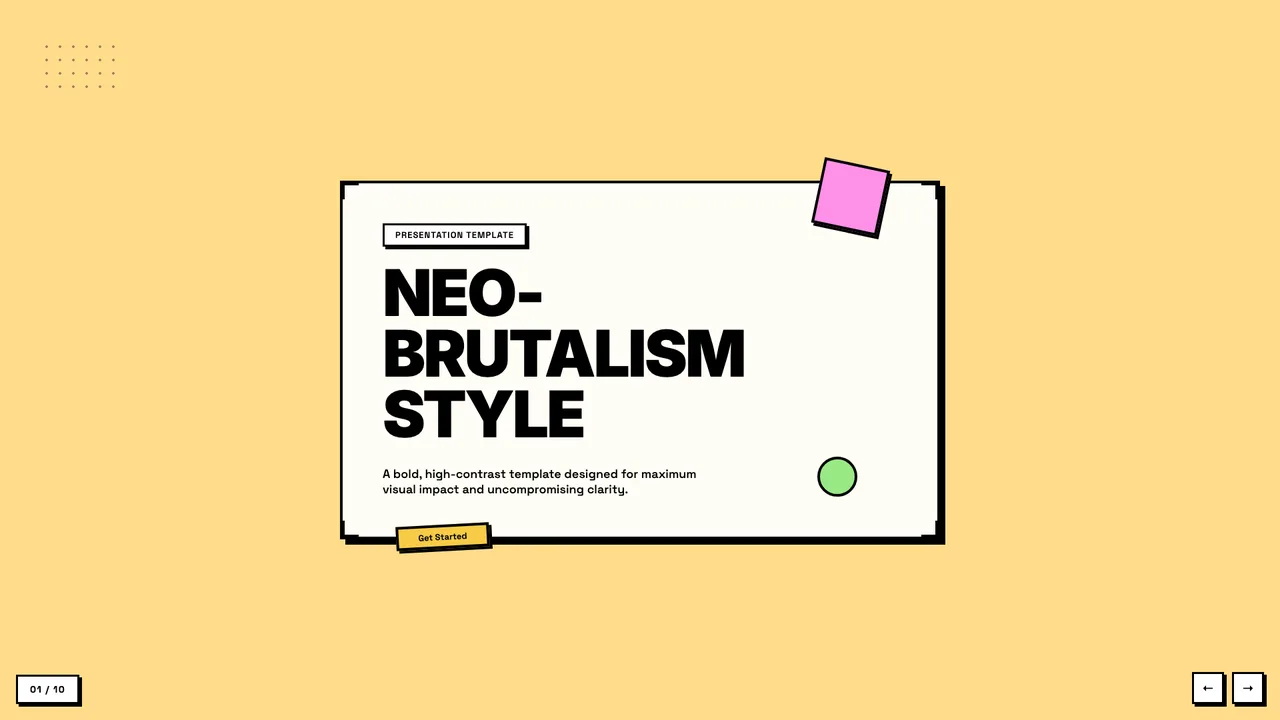
Neobrutalist deck with pastel-neon color blocks and chunky black borders.
No. Slides Style Gallery is a static showcase of templates and style references. The site does not accept file uploads, process presentations, or run generative backend services. All generation and file conversion happens locally on your own machine through your personal coding tools.
Hardware clickers register as standard USB input devices that emit PageDown, PageUp, or arrow key events. Because the single-file templates include native JavaScript event listeners for these standard key codes, clickers advance and reverse slides immediately without external software.